Graveyard Keeper 2 inventory and bags: what goes where
Backpack, toolbar, hot bar and nine kinds of bag, each with its own rules. What goes where, which bag to buy first, and the traps that delete items.
The short answer
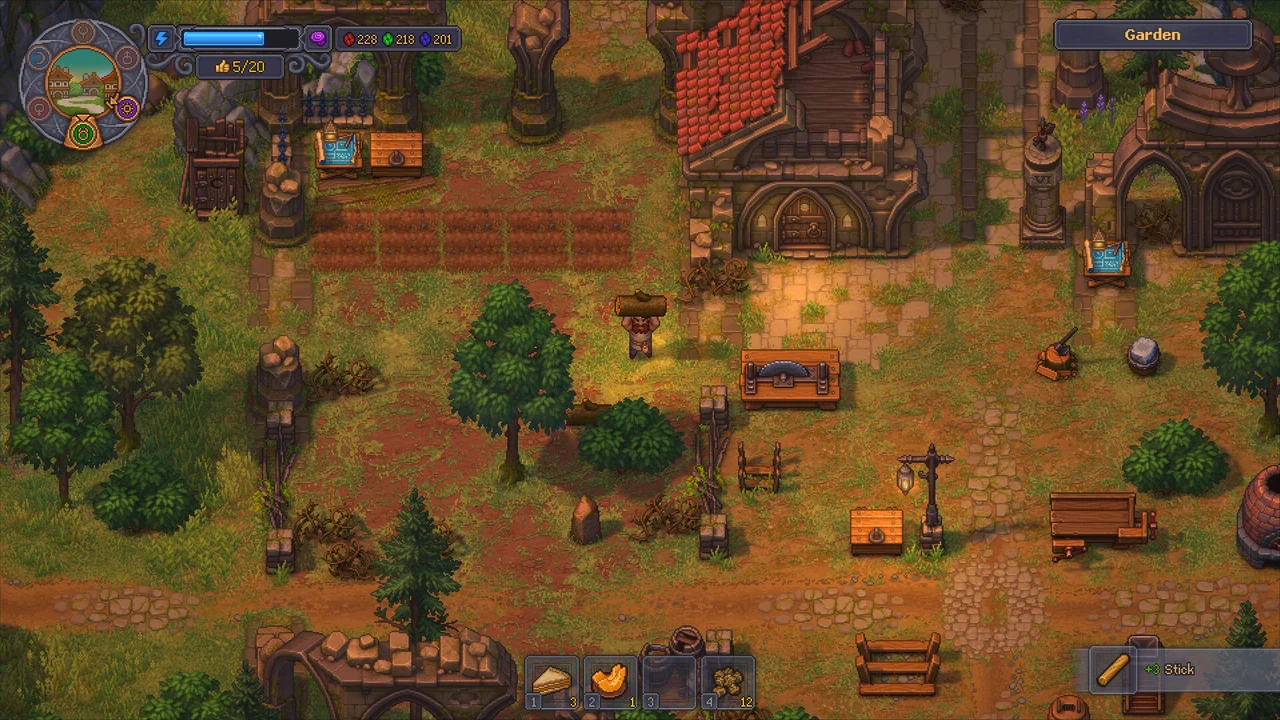
Your backpack has 20 slots (25 with the Deep Pockets talent). Tools, weapons and armor go on the 14-slot toolbar, where they count toward mastery; the hot bar pins up to 4 items for quick use. Bags add 9 or 16 extra slots for specific item families, take one backpack slot each, and cannot be put inside other bags. Anything in a bag counts as carried.
 VIEW IMAGE ↗
What to check, in order
- 01
Put tools on the toolbar, not in the backpack; only equipped tools add mastery.
- 02
Pin food or potions to the hot bar for one-press use.
- 03
Buy a bag that matches what clogs your backpack most, usually a Universal or Builder’s bag.
- 04
Check a bag’s accepted items before assuming it has room.
- 05
Never destroy a bag that still has items in it; there is no confirmation.
- 06
If extra bag space is not recognised when buying or picking up, update to 1.006 or later.
Put an item where it is used
- 01
Toolbar
Equipped tools
- 02
Backpack
Many direct-use items
- 03
Specialized bags
Restricted item families
- 04
Room storage
Workstation supplies
Field Guide schematic · read alongside the checklist. Not an in-game screen.
Three places to carry things
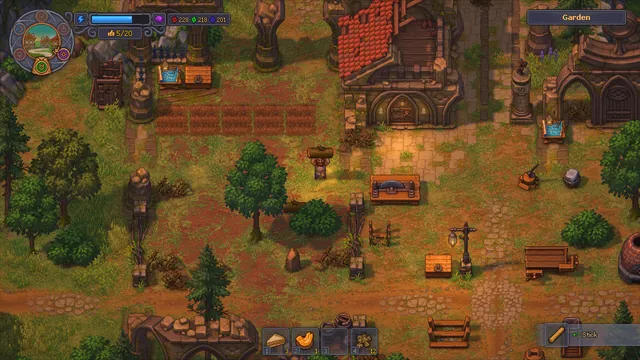
Graveyard Keeper 2 splits what you carry into three areas with different jobs, and mixing them up costs you mastery and time. The toolbar is equipment: tools, weapons and armor, one per type. Anything on it counts toward mastery and combat checks. The backpack is storage. The hot bar is a shortcut strip for things you use often.
The classic mistake is buying an iron pickaxe and leaving it in the backpack. It adds nothing there. Equip it, and the rusty one can go to a chest.
| Area | Size | What it is for |
|---|---|---|
| Backpack | 20 slots (25 with Deep Pockets) | General storage |
| Toolbar | 14 slots, one per item type | Equipped tools, weapons and armor |
| Hot bar | Up to 4 pinned items | Quick use: food, potions |
Every bag, its slots and its price
Bags are the cheapest storage upgrade in the game. Each takes one backpack slot and gives back 9 or 16, but most only accept one family of items. The Universal bags take nearly anything and cost more for that flexibility.
Bags are sold by the traders whose goods they hold: the Tailor sells Universal bags, the Fish Stand the Fisherman’s bag, the Baker and Tavern food bags, the Apothecary the Alchemist’s bag, the Alchemist the Potion bag, the Vegetable Stand the Farmer’s bag, the Builder and Furniture Maker the Builder’s bag, and the Smithy the Tool bag.
| Bag | Accepts | Slots | Price |
|---|---|---|---|
| Food bag | Food, crops, drinks | 9 | 5 silver |
| Fisherman’s bag | Fish and bait | 9 | 5 silver |
| Potion bag | The four battle potions | 9 | 5 silver |
| Tool bag | Tools, weapons, armor | 9 | 5 silver |
| Universal bag | Nearly anything | 9 | 10 silver |
| Alchemist’s bag | Alchemy ingredients and products | 16 | 10 silver |
| Farmer’s bag | Seeds, crops, fertilizer | 16 | 10 silver |
| Builder’s bag | Building materials and kits | 16 | 15 silver |
| Big universal bag | Nearly anything | 16 | 50 silver |
Field note: The Builder’s bag is the best early buy for most players. Planks, nails, stone and kits are what clog the backpack during the town rebuild.
Which bag to buy first
Look at what is actually clogging your backpack this week, then buy for that. Early on it is almost always building material: planks, boards, nails, pieces of stone, kits. A Builder’s bag swallows all of it for 15 silver and frees most of your backpack in one go.
If you spend your days in the garden and kitchen, the Farmer’s bag does more for you, because seeds and crops come in star grades that refuse to stack. Players who fight a lot want the Potion bag on Sloth and the Tool bag for spare weapons and armor. The Big universal bag at 50 silver is the luxury option once money stops being tight.
Two Universal bags are rarely better than two specialist bags. The specialists hold more for less money; the Universal bag’s strength is catching odds and ends that do not belong anywhere else.
- Town rebuild: Builder’s bag.
- Gardening and cooking: Farmer’s bag, then a Food bag.
- Alchemy: Alchemist’s bag.
- Battles: Potion bag and Tool bag.
- Everything else: one Universal bag for strays.
How new items find a slot
When you pick something up, it goes onto an existing stack first, then into an empty backpack slot, and only into a suitable bag once the backpack is full. So your bags fill last, which can make it look as if they are not working while the backpack still has room.
Star grades do not stack together. A one-star and a three-star cabbage take two separate slots, which is why farmers run out of room so fast. Oversized items, logs, stone blocks, marble and bodies, are not stored at all: you carry them over your head, one at a time.
Bag rules that catch people out
Bags cannot go inside other bags. Contents count as carried, so quests, recipes, construction and trades all see what is in your bags, which is the good news. The bad news comes from a few hard rules.
- You cannot drop items. To get rid of something, store it, sell it, use it or destroy it.
- Destroying a bag destroys everything inside it, without asking.
- Traders will not buy bags back.
- A bag with free slots still refuses items outside its family; count accepted types, not empty spaces.
The launch bag bug
At launch, extra bag slots were sometimes ignored when your backpack was full: pickups failed and vendors refused to sell, even though a bag had room. Update 1.006 fixed both cases, extra bag slots now work for pickups and for vendor purchases with a full backpack.
If you still see it, first check the item actually fits that bag’s family. If it does and the problem persists, check your game version; console patches sometimes arrive later than Steam.
Common questions
Can I put a bag inside another bag?+
No. Bags cannot be nested.
Do tools in my backpack count for mastery?+
No. Only tools on the toolbar add mastery.
How do I get more backpack slots?+
The Deep Pockets talent raises the backpack from 20 to 25 slots. Bags add 9 or 16 more each.
Why will my bag not take an item?+
Most bags only accept one item family. Check what the bag accepts, or use a Universal bag.
Can I sell a bag I no longer need?+
No. Traders reject bags. Empty it and keep it in a chest instead.
Why are my cabbages taking so many slots?+
Different star grades are different items and do not stack. A Farmer’s bag helps a lot.
Do items in bags count for quests and building?+
Yes. Bag contents are treated as carried, so quests, recipes, construction and trades all see them.
Where do logs and stone blocks go?+
Nowhere in the inventory. Oversized items are carried over your head one at a time, so move them straight to where they are needed, or let zombies and porters handle them.
What does the hot bar actually do?+
It pins up to four items so you can use them with one press, without opening the backpack. Food and battle potions are the usual picks.
Sources & further reading
Recipes, costs and timings were cross-checked against the references below and the official patch notes. Numbers can shift with updates, so the in-game recipe window always has the final word.
- Community databaseGK2DB: inventory
- Community databaseGK2DB: traders (who sells which bag)
- Guidegames.gg: beginner tips (storage)
- OfficialOfficial 1.006 patch notes (bag slots)