Why your zombies are not working in Graveyard Keeper 2
An idle zombie is nearly always missing a tool, mastery, materials or space for its output. Check those four in order and most stalls clear in minutes.
The short answer
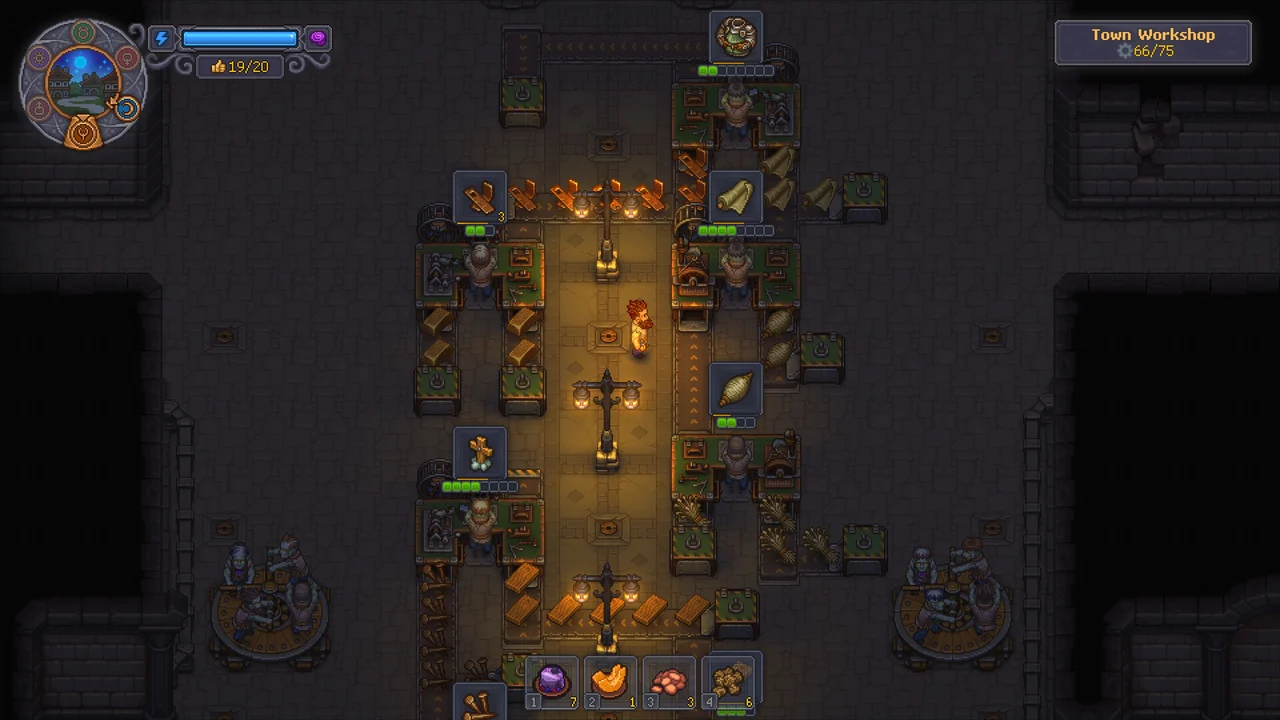
A zombie only works with what is already inside its bench. It will not fetch materials, it stops when finished output is left sitting in the station, and it quits silently when its own mastery or tool falls short of the queued recipe. Check the queue, the inputs, the output and the zombie’s equipment, in that order.
 VIEW IMAGE ↗
What to check, in order
- 01
Open the station and read the first job in the queue. The zombie works on that one, not the recipe you care about further down.
- 02
Look inside the bench for every input of that first job. Materials in a nearby chest do not count unless a porter brings them.
- 03
Collect anything finished. A full output slot stops the next job from starting.
- 04
Press F on the zombie and check its tool. The tool type has to match the station.
- 05
Compare the zombie’s mastery in that branch with the recipe requirement. Your keeper’s mastery does not help it.
- 06
Fix one thing, then watch one job complete before you queue a big batch again.
Find the stopped link
- 01
Recipe queue
Is a job assigned?
- 02
Materials
Inputs inside the bench
- 03
Worker mastery
Correct tools and branch
- 04
Collect output
Make space for the next job
Field Guide schematic · read alongside the checklist. Not an in-game screen.
What a zombie will and won’t do
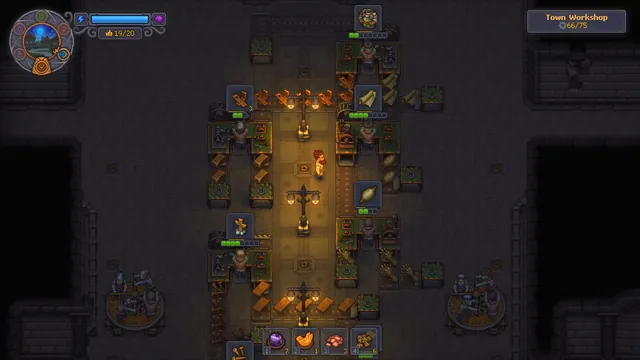
Zombie workers are tireless, not clever. They swing about once every ten seconds, never run out of energy, never wear out their tool and never fail a step, which is why star items made by a zombie always come out at three stars. That is the good part.
The rest is a list of things they refuse to do. They do not walk to a chest. They do not empty their own output. They do not tell you when something is wrong; they just stand there. Once you think of a zombie as a very reliable hand attached to one bench, most stoppages make sense.
| Situation | What the zombie does |
|---|---|
| Inputs are inside the bench | Works through the queue nonstop |
| Inputs are in a chest nearby | Nothing, unless a porter delivers them |
| Finished item left in the bench | Will not start the next job |
| Missing or wrong tool | Stops without a message |
| Mastery below the recipe requirement | Job shows as pending and never starts |
| Study Table | Cannot use it at all |
Tool and mastery: the most common cause
A fresh zombie has zero work mastery and an empty equipment slot. Mastery comes from the tool you give it and from nodes in its own talent tree. The tool has to fit the station: a hammer on a zombie at the sawhorse does nothing for it.
Ordinary recipes simply refuse to start when the worker’s mastery is below the requirement. Since update 1.005 the station shows these as pending crafts with a lock or wait icon, which makes the problem easier to spot than it was at launch. Bronze tools are enough for Woodworking Workbench I recipes; higher-tier benches usually want iron.
Do not check your own keeper’s numbers here. Zombies bring their own mastery and use their own talents, never yours. Equipping a steel hammer on your toolbar changes nothing for the zombie at the anvil.
| Tool | Branch it feeds | Typical stations |
|---|---|---|
| Axe | Building | Chopping Spot, Sawhorse, Circular Saw, Woodworking Workbench |
| Pickaxe | Building | Stonemason’s Workbench, quarries, Zombie Miner |
| Hammer | Smithing | Anvils, Smithy, furnaces |
| Shovel | Farming | Gardener Stand, Kitchen Table, Millstone, brewing |
| No tool | None | Transporter and porter jobs ignore tools and stats |
The supply problem: build a Zombie Supplier Station
If you are refilling benches by hand every morning, you are doing the porter’s job. The Zombie Supplier Station, unlocked with the Zombie Assistant technology and built from 4 Wooden Planks and 4 Bronze Nails, turns a second zombie into a courier. It carries raw materials from chests in its zone to the benches that need them and takes finished goods back to storage.
Zones matter. A porter only works inside the area it is assigned to, and the chests it draws from must be in that same area. The yard, garden, vineyard, brewery, laboratory and kitchen each need their own porter. A porter in the yard will never feed the kitchen table, however close it looks on the map.
- Keep at least one empty slot in the chests the porter uses. A completely full chest blocks returns.
- Leave a clear walking path between the chests and the benches.
- Put the station and its chests in the same named area as the benches it supplies.
Field note: Test the chain by hand once: put one job’s inputs straight into the bench. If the zombie works, the worker is fine and the porter route is what needs fixing.
Output, queues and the first job
Finished goods stay in the bench until someone collects them, and a zombie will not start a new item while the output slot is full. This is the classic overnight stall: the zombie finished three Boards at midnight and has been waiting ever since.
The queue works top to bottom. If the first job needs an item you do not have, everything behind it waits too, even recipes the zombie could easily make. Clear or reorder that first job before you assume the whole station is broken. You can also queue items before you own the materials; the bench starts as soon as the inputs arrive, which pairs nicely with a working porter.
Self-running benches also hold on to the technology points they earn until you collect the output, so a forgotten bench is costing you tree progress as well as goods.
Kitchen and factory special cases
Kitchen zombies had genuine bugs at launch. Update 1.006 fixed cases where kitchen workers lost ingredients or could not be placed properly. If your game has not updated, or you are on a platform where the patch arrived later, check the installed version before rebuilding your kitchen.
In the underground factory the rules shift a little: stations are linked by conveyor belts, each station needs its own equipped zombie, and the line ends at a supply station with a porter. When a factory line stops, look at the last place an item successfully moved and check the belt arrow after it. The factory layout guide covers that in detail.
A two-minute diagnosis
When a zombie stands idle, change one thing at a time and watch for a single completed job. If you swap the tool, add materials and empty the output all at once, it works again but you have learned nothing, and the same stall comes back next week.
Nine times out of ten the answer is the wrong tool or an empty supply chain. The tenth time it is usually the first item in the queue.
Common questions
Does my keeper’s mastery help my zombies?+
No. Workers use their own mastery from their tool and their own talent tree. Your toolbar and talents only affect jobs your keeper does by hand.
Why does my zombie stop after a few items?+
Usually the output slot is full or the bench ran out of one input. Collect the finished goods and check every ingredient of the next job in the queue.
Can a zombie take materials from a chest?+
Not by itself. Build a Zombie Supplier Station and assign a second zombie as a porter. It only serves chests and benches in its own area.
Do zombies get tired or break tools?+
No. They have no energy bar, no breaks and no tool wear. They also never fail a step, so starred recipes come out at three stars once they can start.
Can a zombie use the Study Table?+
No. Study Table work stays with your keeper.
My kitchen zombie keeps losing ingredients. Is that me?+
Possibly not. Update 1.006 fixed kitchen-zombie ingredient loss and placement issues. Make sure your game is up to date.
Sources & further reading
Recipes, costs and timings were cross-checked against the references below and the official patch notes. Numbers can shift with updates, so the in-game recipe window always has the final word.
- Community databaseGK2DB: zombies
- Community databaseGK2DB: mastery
- Guidegames.gg: putting zombies to work
- Community FAQWikily: what does a zombie need to work?
- OfficialOfficial 1.005 and 1.006 patch notes